Role-based academic workflows
Admin, Lecturer, and Student experiences expose only the profiles, schedules, rosters, and attendance history appropriate to each role.
CASE STUDY · FEATURED PROJECT
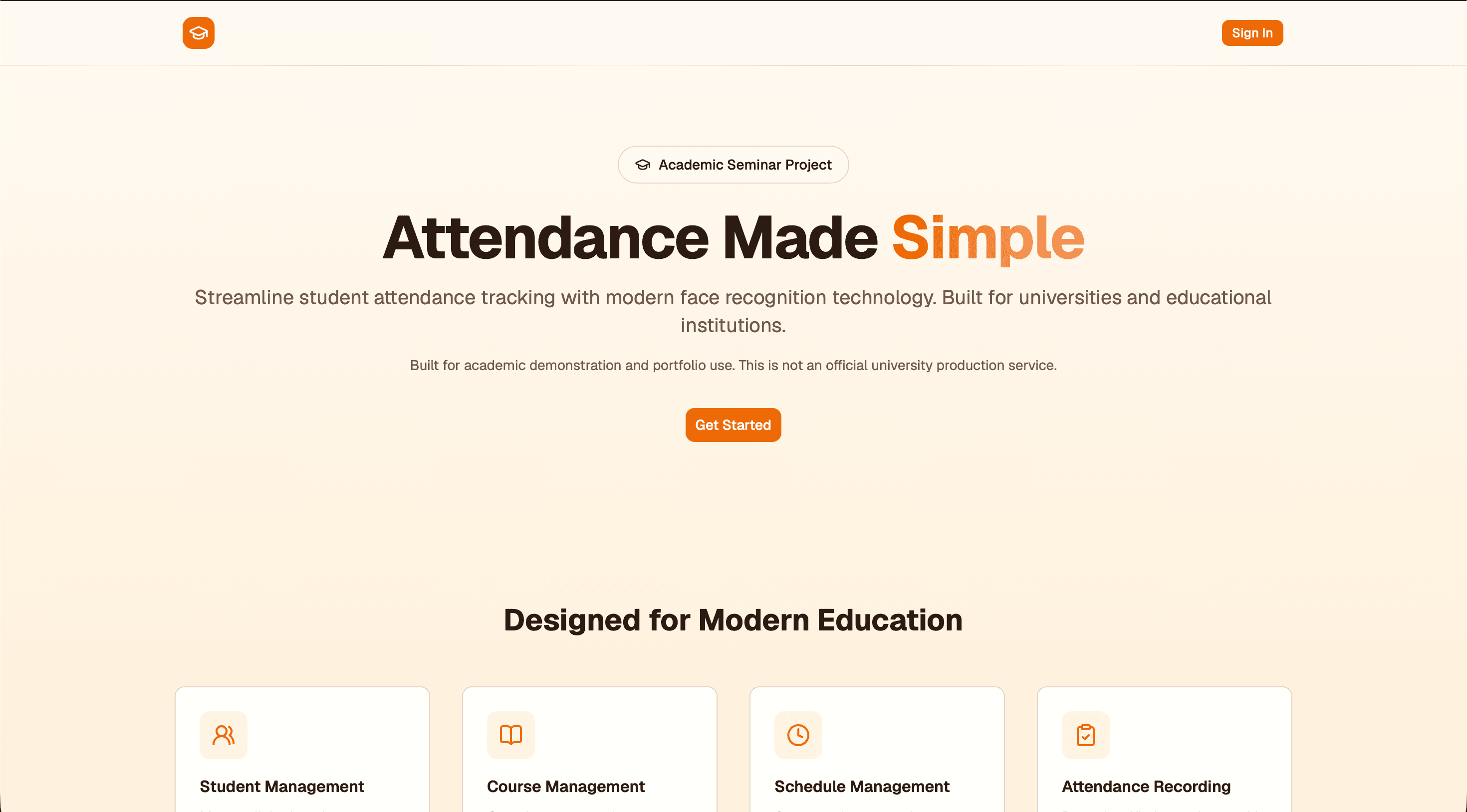
A role-based university attendance platform with browser-based face recognition and academic management workflows.
ROLE
Full-stack implementation and academic product design
STACK
Next.js · TypeScript · Prisma · PostgreSQL
PRODUCT PREVIEW
CONTEXT
The challenge. Design an attendance workflow for a university setting that supports multiple roles while keeping face-recognition processing privacy-conscious and tightly scoped to each class.
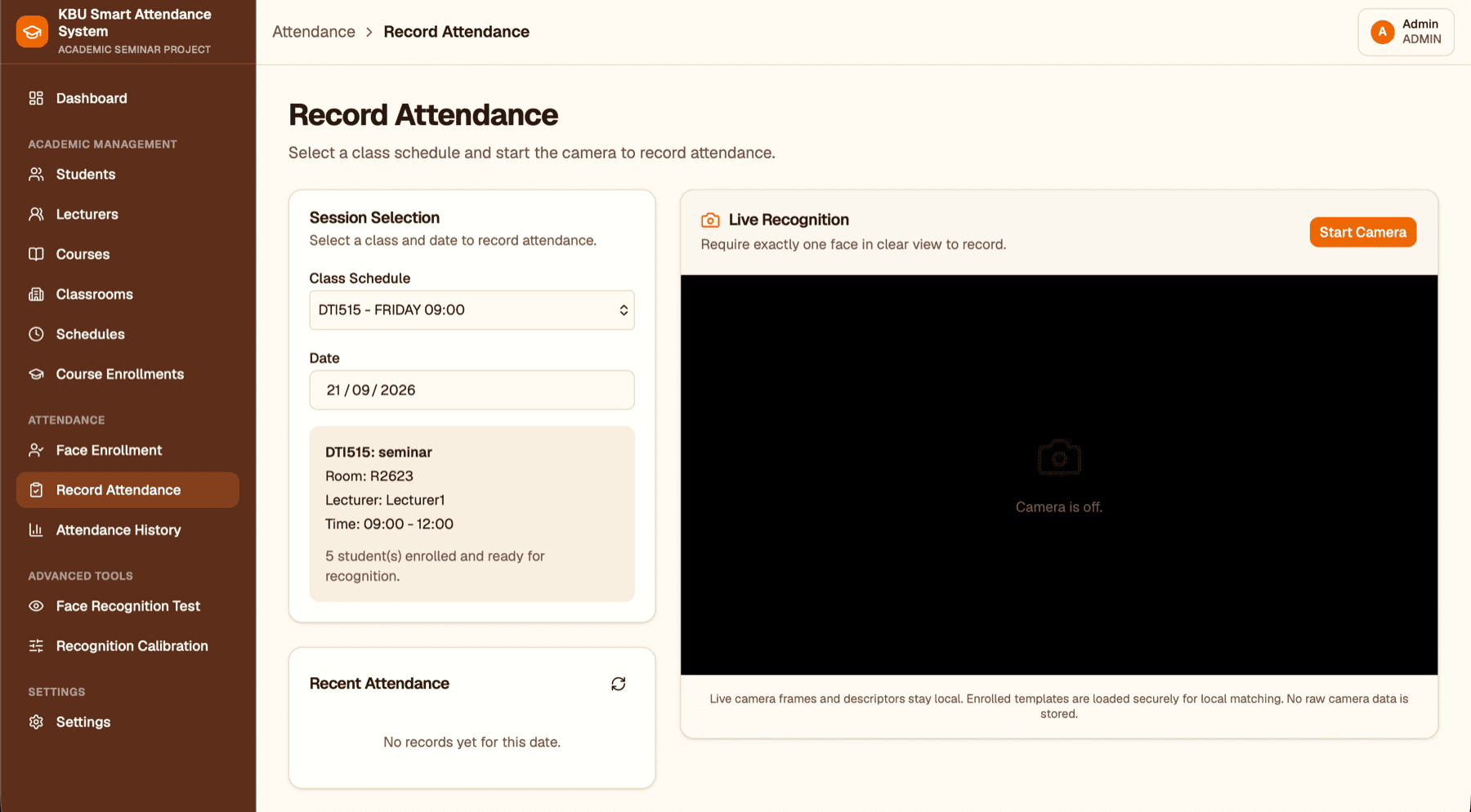
The approach. I built an academic prototype around role-based schedules: authorized staff choose a class, the browser checks a live face against enrolled templates locally, and the server verifies every attendance record before saving it.
KEY FEATURES
Admin, Lecturer, and Student experiences expose only the profiles, schedules, rosters, and attendance history appropriate to each role.
The guided enrollment flow creates numeric face templates, while camera frames and live matching remain in browser memory instead of being uploaded as images or video.
Only Admins and the Lecturer assigned to a selected schedule can record attendance, and the server checks enrollment and ownership before accepting it.
Attendance history can be filtered by date, class schedule, and status, with role-scoped views and CSV-ready exports for academic review.
IMPLEMENTATION
The browser compares numeric face descriptors with protected student templates using Euclidean distance. The workflow pauses for unknown, multiple, or ambiguous matches to reduce false records.
Better Auth sessions and Next.js Route Handlers enforce role, schedule, lecturer ownership, and course-enrollment rules independently from the interface.
PostgreSQL on Neon and Prisma enforce one attendance record per student, class schedule, and date, so repeat requests cannot silently create duplicate entries.
EXPLORE THE PROJECT
Use the public demo to explore the project workflow, then review the repository for its implementation details.